How to Set Up a Home Office Desk to Prevent Lower Back Pain
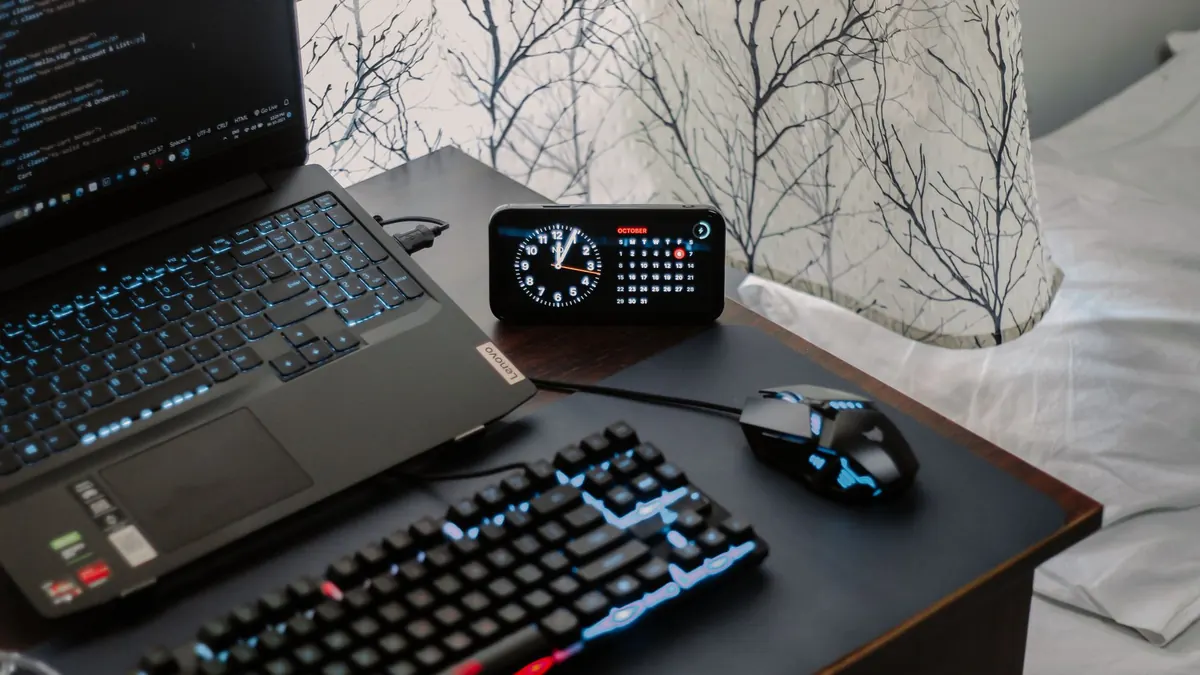
A home office rarely gets designed. It gets assembled: a spare table, the dining chair, a laptop propped on whatever was within reach. That's fine for a fortnight. After a couple of months of long days, though, the small mismatches start to add up — a chair an inch too high, a screen that pulls your chin forward, a desk just deep enough to make you lean in.
The good news is that most desk-related lower back discomfort comes from positioning you can correct yourself, in an afternoon, without buying much. What follows is the order that works: chair first, desk second, screen third, then the details. Adjusting these in the wrong sequence is why so many setups still feel wrong after an hour of fiddling.
Almost everyone adjusts the desk first, because that's the part in front of them. But your chair decides the shape of your spine, and the desk only has to meet it halfway.
Sit right back so your bottom is against the backrest, then set the height. Your feet should be flat on the floor and your knees roughly level with your hips, or a fraction lower. If your feet dangle, the chair is too high — either lower it or add a footrest (a sturdy box or a stack of paper will do). If your knees ride well above your hips, the seat is too low, and your pelvis rolls backwards, rounding the lower back. That rounding, held for hours, is what many people feel as stiffness by four o'clock.
You should be able to slide two or three fingers between the back of your knees and the front edge of the seat. If the edge presses into the backs of your thighs, shuffle back or add a cushion behind you to shorten the seat. Pressure there makes you perch forward, and perched is not a posture anyone holds well.
Your lower back needs contact. The backrest should meet the small of your back — around waistband level — and follow its natural inward curve rather than flattening it. If your chair has no lumbar adjustment, a rolled towel tucked into that gap does the job. It should feel like support, not a nudge pushing you forward.
With your chair set and your shoulders relaxed, let your arms hang, then bend them to about ninety degrees. Your forearms should rest level, or sloping slightly down towards the keyboard. That's your desk height.
Most fixed desks sit a little too high for shorter people and a little too low for taller ones. You have three options:
Whatever you choose, the test is the same: shoulders down, elbows near your sides, wrists straight. If your shoulders creep towards your ears, the surface is too high. If you're leaning down to type, it's too low.
Sit back in your adjusted chair and look straight ahead, without lifting or dropping your chin. That line is where the top of your screen belongs — or a little lower if you wear varifocals, because you'll naturally view through the lower part of the lens.
A laptop on a desk is almost always too low. A stand, or a separate monitor on a riser, lets you raise the display and still keep the keyboard where your hands want it. If a laptop is your only screen, adding a stand plus an external keyboard and mouse is the single most useful change you can make.
Desk depth is the measurement people ignore, and it's the one that decides whether you hunch. The screen should sit roughly at arm's length — about 50 to 70 centimetres from your eyes — with a large monitor at the far end of that range and a small laptop closer.
If your desk is deep, you'll be tempted to push the monitor away and then lean in to read it. If it's shallow, the screen ends up too close and your eyes work harder. Either way, you drift. Fix it by moving the screen, not yourself:
Good posture is easier to hold when nothing forces you to reach. Keep the mouse close enough that your elbow stays by your side. Put the phone on the same side as your dominant hand, or better, use a headset rather than cradling it. Angle a second screen inwards instead of turning your neck to face it square on. And if you use a laptop on the sofa in the evening, treat that as a different task with different rules — it isn't a desk.
No setup holds itself. Even a well-adjusted chair becomes uncomfortable if you stay in it for three hours straight, because the problem isn't the position so much as never leaving it. Stand up every half hour or so, even briefly. Refill your water, take a call on your feet, walk to the kitchen. If you can alternate between sitting and standing through the day, better still.
A simple rule: change position before you feel the need to. The twinge that makes you shift is already a signal you've waited too long.
Run this at the start of a working day. Feet flat, knees level with hips. Bottom against the backrest, lower back supported. Elbows at ninety degrees, shoulders relaxed. Wrists straight, mouse within easy reach. Top of the screen at eye level, an arm's length away. Then set a timer for thirty minutes and move.
If lower back pain persists despite a good setup, or if it comes with numbness, tingling or pain travelling down a leg, don't keep adjusting furniture — speak to your GP or a physiotherapist. Desk ergonomics helps a back that's being strained by a desk. It isn't a treatment for everything.
Photo: Arjunn. la / Pexels